
About Experience Work Learn Contact
Level 1 · Beginner

HTML, CSS & JavaScript

A beginner course that takes you from zero to building real web pages: how the internet works, HTML, CSS and core JavaScript — with examples, flowcharts, exercises and a final project.

LevelBeginner
TopicsHTML · CSS · JavaScript
PrerequisiteNone
Length123 slides · 10 sessions · ~20 h
LanguagePersian

About this course

Who it's for

Beginners who want to start programming and web development.

Prerequisites

Only basic computer and internet use, and a willingness to learn.

How you learn

Each concept: simple explanation → diagram → example → exercise. Type the code yourself.

By the end you can

Explain how the web works (client, server, HTTP, DNS)
Analyse a problem with algorithms and flowcharts
Write a semantic, accessible HTML page
Style and make pages responsive with CSS (Flexbox and Grid)
Make a page interactive with core JavaScript and the DOM
Fetch data from an API with the Fetch API and display it

Slides

Read all 123 slides right here. Use the arrow keys, swipe on a phone, or jump straight to a topic from the syllabus below. The slide text is in Persian.
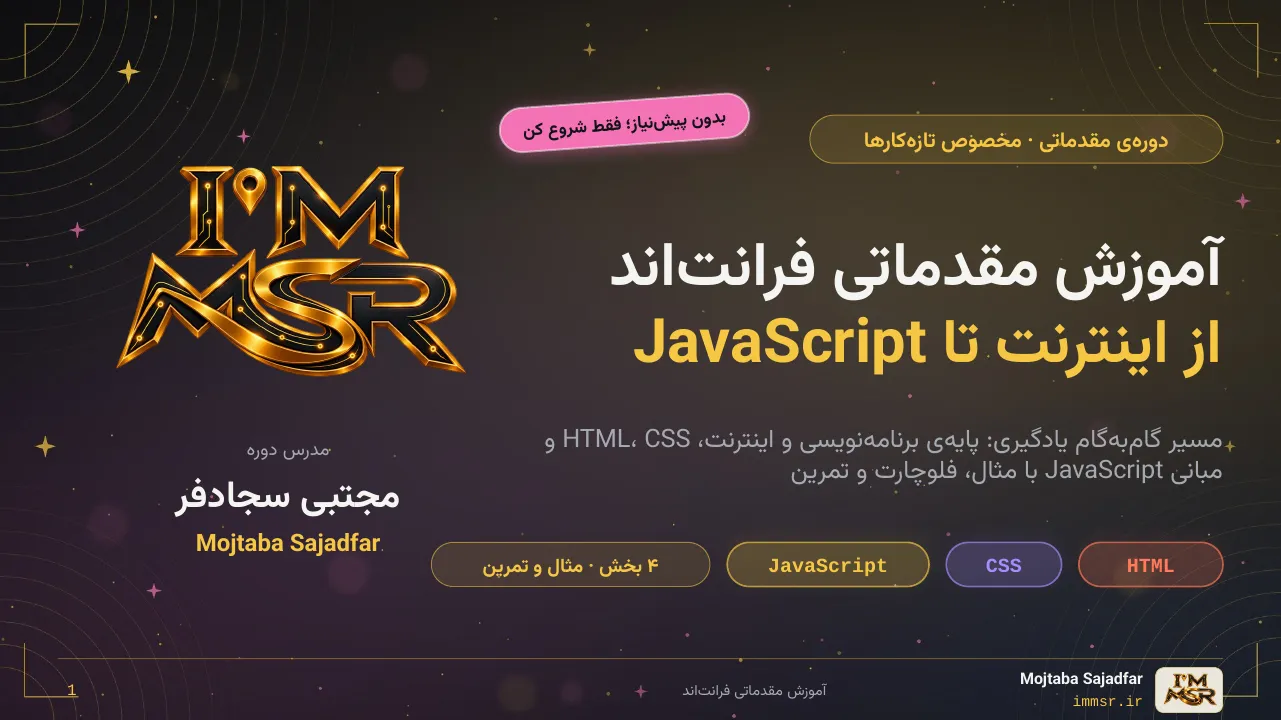
1 / 123

Class plan

A suggested 10-session plan. Each session lists its exercise and the slides it covers.

1
Programming, algorithms and flowcharts
Exercise: 5 algorithm problems
2
Internet, DNS, HTTP and the browser
Exercise: Parse URLs and inspect the Network tab
3
HTML 1: structure, text, links, images, lists, tables
Exercise: Résumé page
4
HTML 2: semantics, forms, accessibility and SEO
Exercise: Sign-up form
5
CSS 1: selectors, colour, typography and the box model
Exercise: Style the résumé
6
CSS 2: display, position and Flexbox
Exercise: Navigation bar
7
CSS 3: Grid, responsive design and animation
Exercise: Landing page
8
JS 1: variables, conditions, loops and functions
Exercise: Part 1 algorithms
9
JS 2: arrays, objects, the DOM and events
Exercise: Counter and to-do list
10
JS 3: Fetch API and the final project
Exercise: Final project

Each session is about 2 hours — roughly 20 hours in total. Short on time? Merge sessions 1 and 2, and only skim CSS animation and Fetch.

Syllabus

Every slide, grouped by part. Click any row to open that slide.

00 Start here 4 slides
01 Foundations & the Internet 25 slides
برنامه‌نویسی و الگوریتماینترنت چگونه کار می‌کندHTTP و URLمرورگرها و DevToolsDNS، دامنه و هاست
02 HTML 21 slides
مبانی و ساختار سندHTML معناییفرم‌ها و اعتبارسنجیدسترس‌پذیریمبانی SEO
03 CSS 29 slides
مبانی و انتخابگرهاBox Modelچیدمان: Flexbox و GridPositionطراحی واکنش‌گرا
04 JavaScript 34 slides
مبانی زبانتابع، آرایه و شیءدستکاری DOMرویدادهاFetch API
86JavaScript چیست و کجا اجرا می‌شود؟87اولین برنامه: خروجی، ورودی و کامنت88متغیرها: جعبه‌هایی برای نگه‌داشتن داده89انواع داده (Data Types)90عملگرها: محاسبه و مقایسه91شرط‌ها: if، else if و else92switch، عملگر سه‌تایی و Truthy/Falsy93حلقه‌ها: for و while94تابع‌ها: بلوک‌های قابل‌استفاده‌ی مجدد95دامنه‌ی متغیر (Scope)96آرایه‌ها: فهرست مرتب از مقدارها97متدهای آرایه: forEach، map، filter، find98اشیا (Objects) و JSON99الگوریتم عملی ۱: میانگین نمرات100پیاده‌سازی الگوریتم‌های بخش اول101تمرین‌های مبانی JavaScriptExercise102DOM: صفحه به‌عنوان یک درخت از اشیا103انتخاب عناصر در DOM104تغییر محتوا، استایل و کلاس105ساخت و حذف عناصر106رویدادها (Events)107پروژه‌ی کوچک ۱: شمارندهProject108پروژه‌ی کوچک ۲: لیست کارها، الگوریتمProject109پروژه‌ی کوچک ۲: لیست کارها، کدProject110اعتبارسنجی فرم با JavaScript111Fetch API: گرفتن داده از سرور112نمایش داده‌ی API در صفحه113Promise و async/await114سه نوع خطا در برنامه‌نویسی115اشکال‌زدایی مرحله‌به‌مرحله116ویژگی‌های مدرن JavaScript (ES6+)117تمرین‌ها: DOM، رویدادها و FetchExercise118اشتباهات رایج در JavaScriptReview119خلاصه‌ی JavaScript (Cheat Sheet)Review
★ Next steps & final project 3 slides

Exercises & projects

Final project

Final project: an interactive personal website

HTML

  • Semantic structure: header, nav, main, footer
  • About, skills (a list) and contact (a form) sections
  • alt text for images and a label for every field

CSS

  • Layout with Flexbox and Grid
  • Responsive on mobile and desktop
  • Hover states and a colour theme

JavaScript

  • A dark/light theme toggle button
  • Contact form validation
  • Display data from an API

Quality & delivery

  • No errors in the Console
  • Tested at three screen sizes
  • A tidy folder with proper naming: index.html, css, js and assets

What to learn next

01
Git & GitHubVersion history, teamwork and publishing your portfolio on the web.
02
Web securityHTTPS, CORS, CSP and an introduction to OWASP.
03
Package managersnpm, pnpm and yarn for installing libraries.
04
Sass & TailwindPreprocessors and CSS architecture.
05
FrameworksReact, Angular or Vue for larger applications.
06
TypeScriptTyping for JavaScript — more reliable code.
07
Testing & debuggingAutomated tests and systematic bug fixing.
08
Web performanceLoad speed and experience optimisation.

Download

Keep the whole deck offline as a PDF.

Course material is shared for personal learning. If you share or reuse it, please credit the source.